Kink Privacy Online: Protect Your Digital Footprint
 3 min read
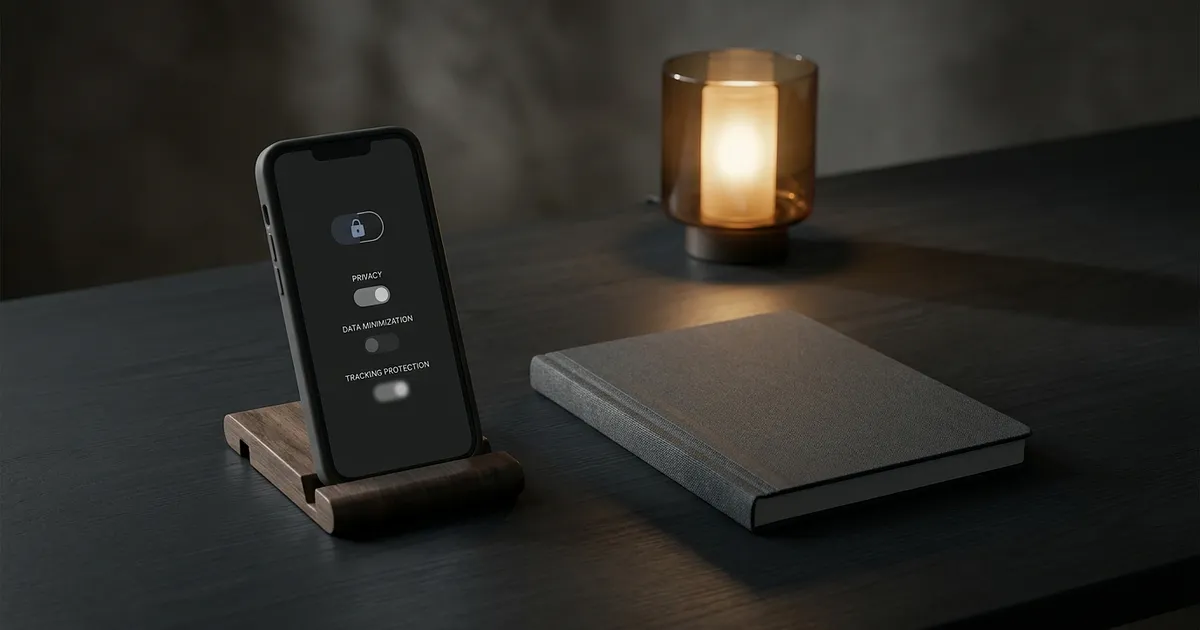
Kink privacy online is about choosing your audience, not hiding something shameful. You can be open in one part of your life and private in another. No setting guarantees anonymity, but a few deliberate choices make accidental identity links less likely.
Separate the clues that identify you
An email address, username and profile image unused on your everyday accounts make casual links harder. The Electronic Frontier Foundation also recommends checking discoverability, contact access and automatic location sharing. A new name won't help much if the same portrait appears on LinkedIn. If privacy feels tangled up with embarrassment, our guide to kink and shame treats those as separate questions.
Photos carry visible clues too: faces, tattoos, documents, reflections and recognisable rooms. Location metadata is another layer. Apple explains how to exclude location when sharing from Photos on iPhone or iPad, though that doesn't erase what the picture itself reveals.
Secure the account, then check the quiet leaks
A different password per account reduces the risk of a leaked password being reused to access your other accounts. CISA recommends strong, unique passwords and multi-factor authentication (MFA), an extra login check, where offered. The recovery email needs protection too. Other places worth reviewing are lock-screen notification previews, shared devices, cloud photo backups and recovery contacts.
Saving, forwarding, posting or tagging a photo or message needs explicit agreement. Consent to receive something isn't consent to publish it. Our enthusiastic consent in kink guide explains specific agreement; sexting in open relationships applies that boundary to intimate messages and screenshots.
Know what privacy tools cannot do
Private browsing mainly limits records left in that browser session. Chrome confirms that downloads and bookmarks remain, while websites or network managers may still observe activity. That doesn't mean network operators can read HTTPS message content. A VPN changes the network route, but EFF warns that accounts, cookies and fingerprinting can still identify you. Neither tool stops screenshots or makes a logged-in profile anonymous.
Before your next photo share, check the image for identifying details and agree who may save or forward it.
Frequently Asked Questions
Can a kink photo reveal my location?
Yes. It may contain location metadata, while street signs, reflections or a familiar room can reveal clues visually. Check both the file data and the image itself.
Does private browsing make kink activity anonymous?
No. It reduces local browser history, but downloads may remain and logged-in sites still know which account you used. Network visibility is a separate issue.
Does permission to take a photo include permission to post it?
No. Agree separately on saving, private sharing, posting, tags and resharing. If the answer isn't clear, don't post the image.
Sources
- Electronic Frontier Foundation ssd.eff.org
- Apple explains how to exclude location when sharing from Photos on iPhone or iPad support.apple.com
- CISA recommends strong, unique passwords cisa.gov
- multi-factor authentication (MFA) cisa.gov
- Chrome confirms support.google.com
- EFF warns that accounts, cookies and fingerprinting can still identify you ssd.eff.org